



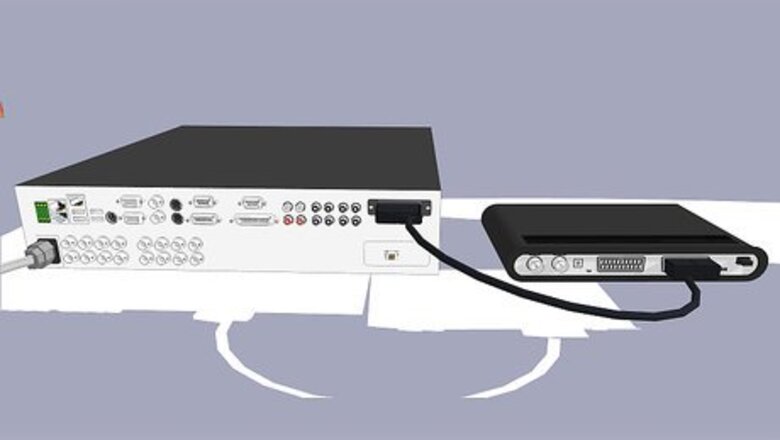

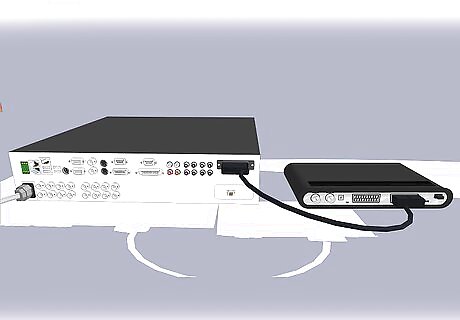
Plug one end of a SCART cable into your DVR "output" and the other end into your DVDR "input".
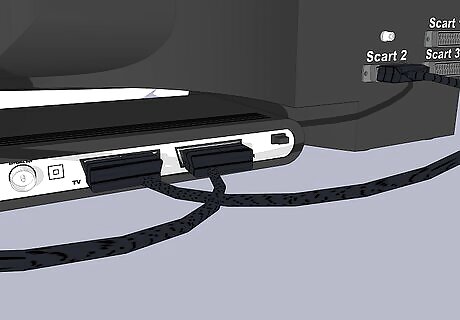
Plug one end of another SCART cable into your DVDR "output" and the other into your TV "input".
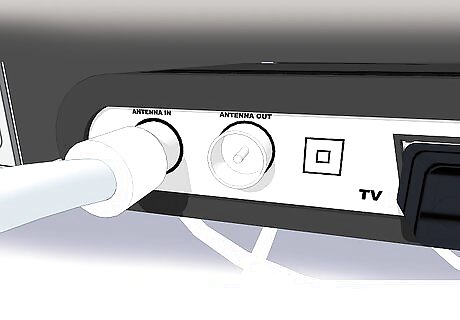
If you still want a TV signal, plug an aerial (or satellite or cable signal) cable into your DVR "input".
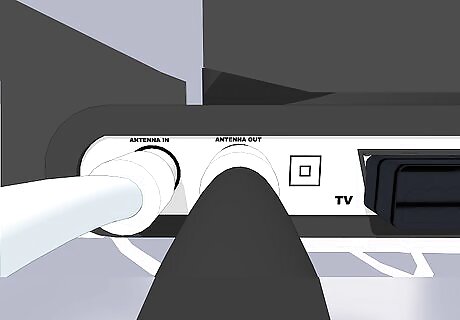
To see the TV signal, plug an RF (radio frequency) loop cable from your DVR "output" to TV "input".
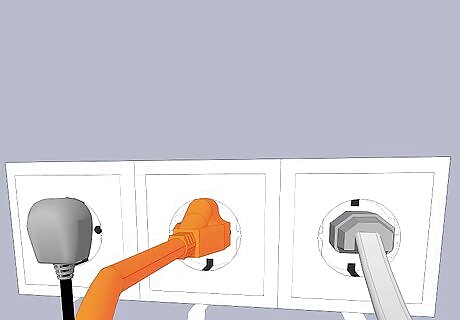
Plug power cables into all 3 appliances and turn them on.
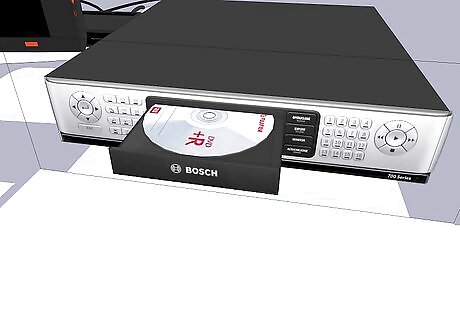
Insert a blank DVD into your DVDR (use an RW if you might want to undo mistakes).
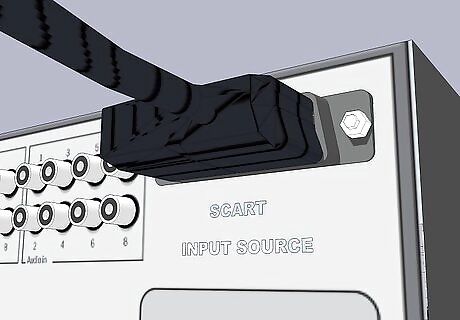
On your DVDR choose video source to be your DVR which might be "SCART input".
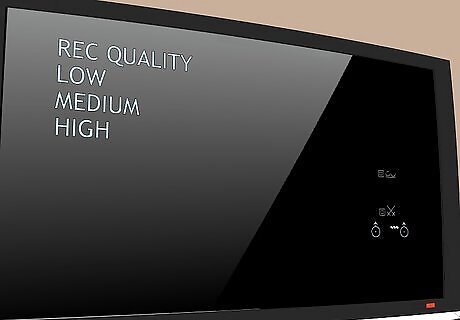
Choose recording quality (DVDs usually hold 2 hours but lower quality fits more hours on a DVD).
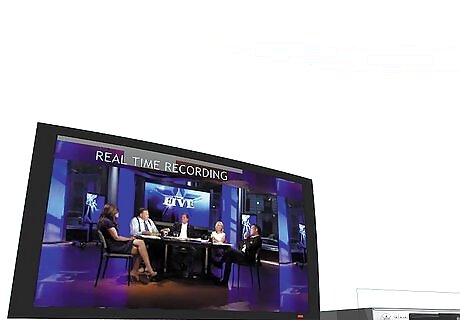
Ensure you can use your TV for the duration of the programme you want to record (this recording will be done in real-time!).
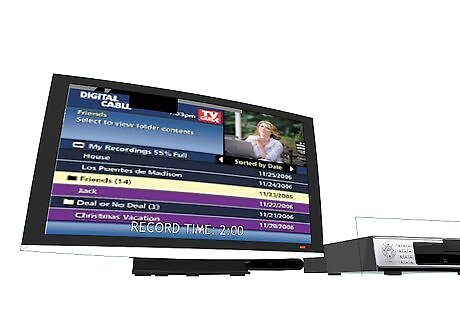
Ensure you can see your DVR output on the TV and find the programme you want to record.
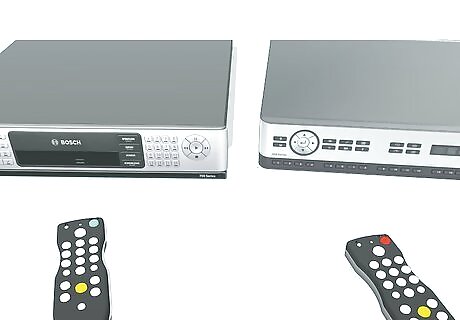
Press record on your DVDR at roughly the same moment as pressing play on your DVR.
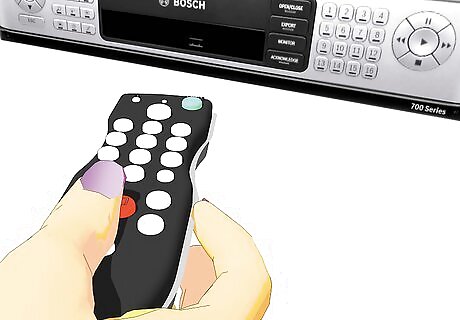
When the programme has finished press stop on your DVDR.
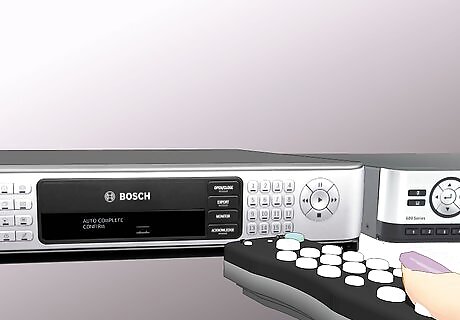
You may also need to "finalise" the DVD which the DVDR should do automatically or when you confirm.







Comments
0 comment